
The monster under the bed for every e-commerce manager is cart abandonment. You see it on your dashboard every morning. It’s a customer loading up a cart and then vanishing. What if a huge chunk of that lost revenue—part of the $260 billion in abandoned orders experts say is recoverable—isn’t about your pricing? It’s because of typos. That number feels like you’re leaving money on the table. The theft is happening most often on mobile. Your analytics show somewhere between 70-75% of your traffic is mobile, but the conversion rate lags behind desktop, often sitting around 2.8% versus desktop’s 3.2%.
Why are so many customers bailing when they’re so close?
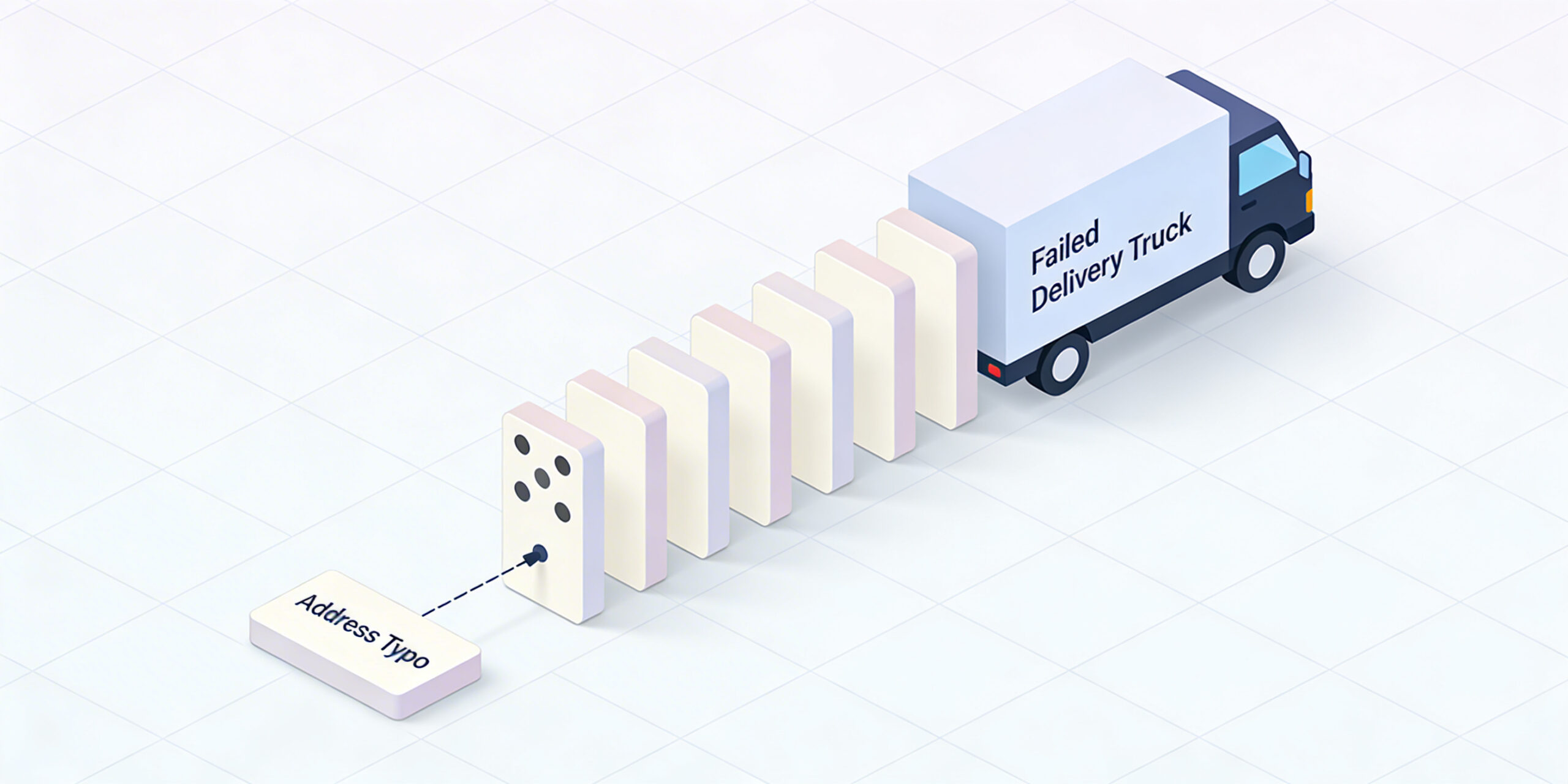
It’s a sneaky problem, and it’s often overlooked. The hidden villain is manual address entry. Picture it: Sarah is on a bumpy subway ride, trying to type her apartment number on her phone. Mark is exhausted after a long day, fat-fingering his zip code on a tiny keyboard. They get frustrated. They give up. You’ve just lost a sale. This isn’t rare. A staggering 20% of addresses entered online contain inaccuracies. A single wrong digit leads to a failed delivery. A failed delivery leads to an angry customer and a costly support ticket. This costs you money, time, and brand loyalty. But there’s an elegant solution.
Real talk: address autocomplete is the cheat code for your checkout flow.
It’s a simple UI tweak with a massive impact. You start typing, and verified suggestions pop up instantly. Fewer keystrokes, less thinking, and dramatically fewer errors. The result? Forms get filled out up to 30% faster. This isn’t a trend; it’s the new standard. The market for Address Autocomplete APIs is projected to grow from $1.2 billion in 2024 to $3.5 billion by 2033. Your competitors are already doing it.
So how do you do this without breaking your checkout? Let’s get tactical. It’s easy to mess this up if you don’t think like your customer. Your goal is to reduce cognitive load to zero.
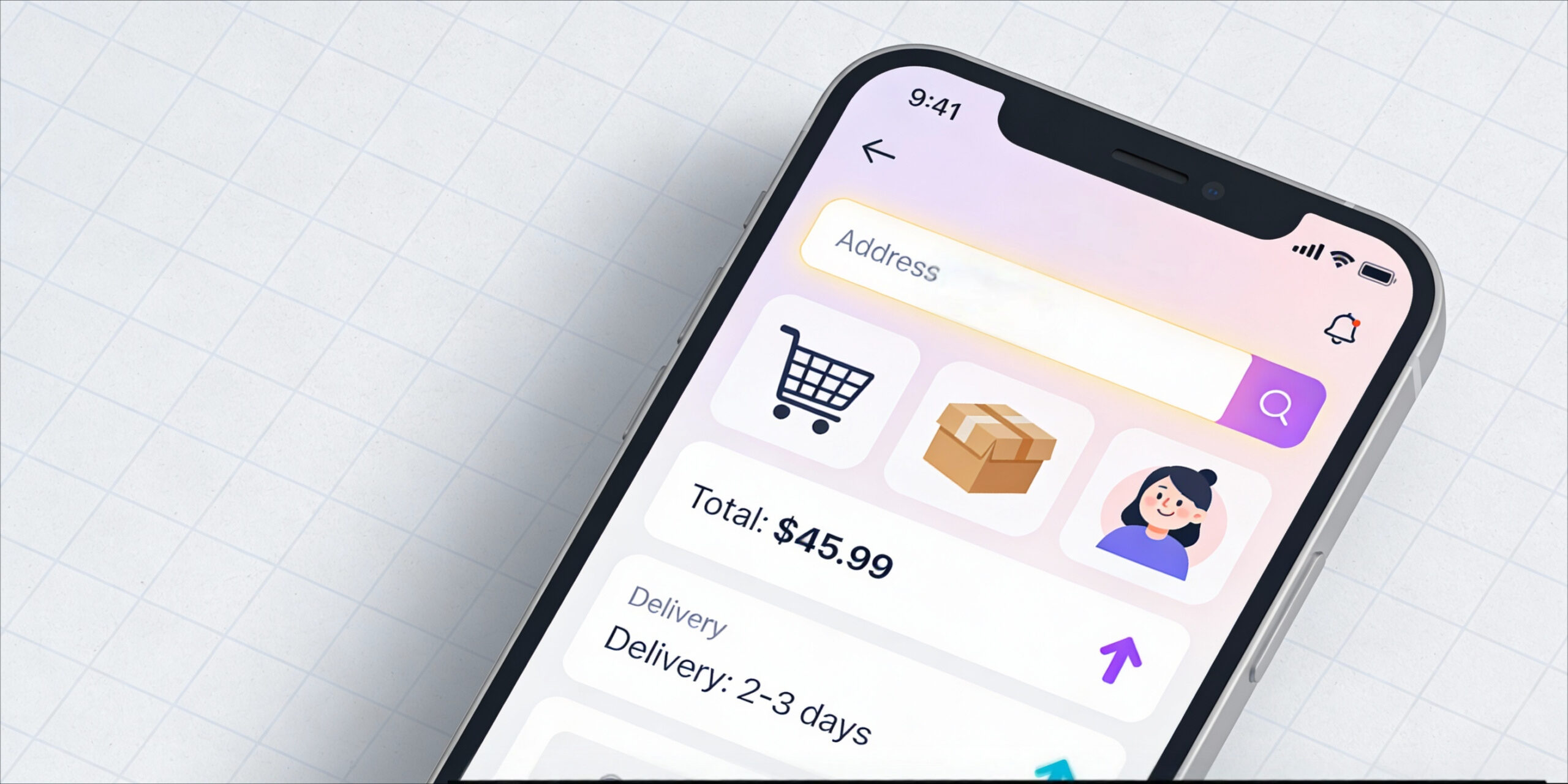
Start with a single, intelligent address field. Not five separate boxes for street, city, state, zip, and country. One field. As the user types, suggestions appear. When they select one, the other fields populate automatically. But don’t trap them. Always provide a clear link to enter their address manually. Make sure all auto-populated fields are still editable. Give them an escape hatch.
Limit the number of suggestions you show. Keep it to 10 or fewer to avoid decision paralysis. You don’t need to build this from scratch.
Use solutions like Google’s APIs—specifically the Maps JavaScript API and the Places API. This gives you access to a massive database of global addresses. If you’re on WooCommerce or Shopify, there are plugins that handle the heavy lifting.
Here’s where most brands mess up.
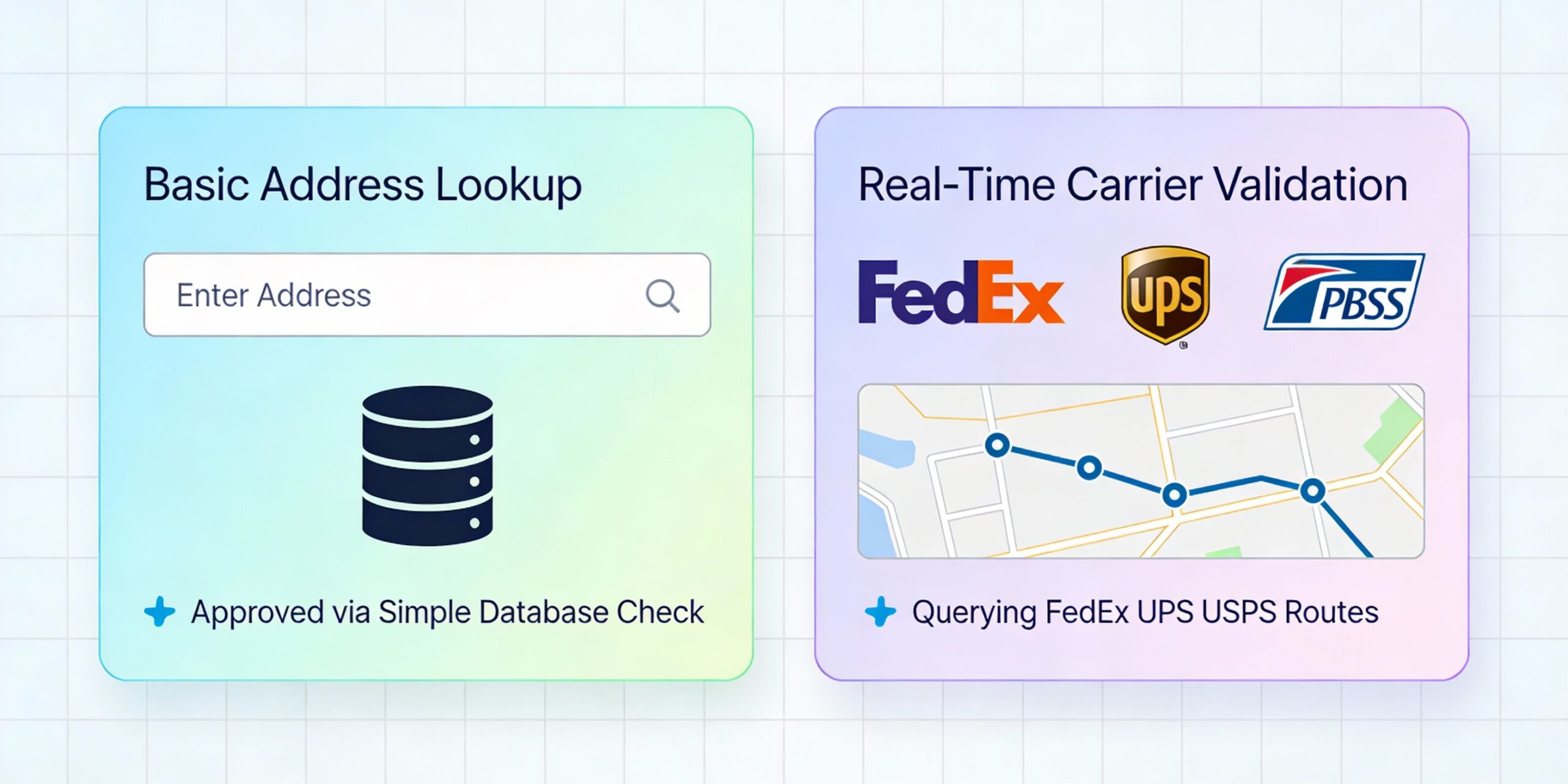
Combine autocomplete with address validation.
- Autocomplete suggests addresses; validation confirms they are real, mailable locations that carriers like USPS and FedEx recognize. It’s the difference between finding a place on a map and knowing the mail can actually get there.
- Next, restrict results to the countries you actually ship to. If you only sell in the US and Canada, don’t show suggestions for addresses in London. This makes the tool faster and more relevant.
- Finally, watch out for browser autofill. Sometimes, Chrome’s native autofill can clash with your address autocomplete tool. Work with your developers to ensure they play nicely together.
This isn’t about feeling good. It’s about numbers.
One A/B test showed a direct 1.5% improvement in conversions. Another brand saw a 9.2% increase in their conversion rate. When Flos USA revamped their checkout, a project where autocomplete played a key role, they saw a 125% increase in checkout conversion. Imagine a 9.2% lift on your current conversion rate. That’s found money. The wins go beyond the sale. One business reported a nearly 20% reduction in support tickets related to delivery issues. That’s your customer service team breathing a sigh of relief.
Here’s how you measure success. Track your Conversion Rate, Cart Abandonment Rate, and Checkout Completion Rate. But also track your delivery success rate. The numbers will tell the story. Address autocomplete is a foundational piece of a frictionless commerce experience.
Think about voice commerce. If typing an address is clunky, imagine dictating it to Siri. A smart autocomplete and validation system is the only thing that makes that future possible. You’re future-proofing your business.
The e-commerce world is always changing. The future belongs to the brands that eliminate friction. You’ve just unlocked a key part of it. Go test this today.